
Most small business owners spend several hours a week on tasks that run fine without their judgment. Invoice follow-up, appointment booking, and answering the same customer questions every week are execution tasks that AI agents for small business now handle automatically. The setup requires no developer, no IT budget, and no more than an afternoon on a platform like Pazi.
TL;DR
- AI agents handle customer service, scheduling, invoicing, lead follow-up, and hiring admin without developer setup.
- Platforms like Pazi let small businesses deploy a dedicated agent per function in an afternoon.
- Start with the one workflow that eats the most time; run it two weeks before adding another.
Table of Contents
- What AI agents actually do - and why most articles get it wrong
- Six functions where small businesses see the fastest return
- Why you shouldn't automate everything at once
- How to get started with AI agents in four steps
- Quick reference: AI agent use cases for small business
- Where Pazi fits in a small business stack
What AI agents actually do - and why most articles get it wrong
What the articles describe vs. what small businesses actually use
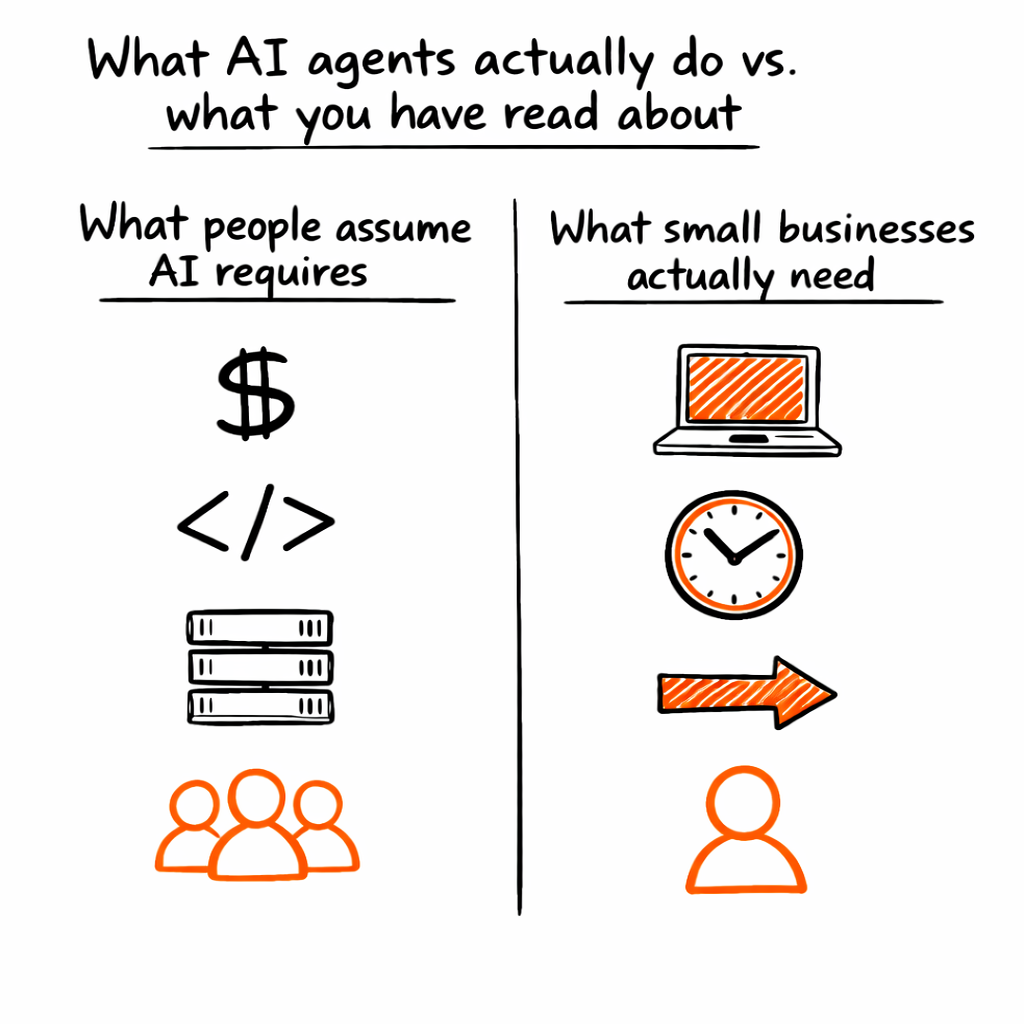
Most coverage of AI agents focuses on enterprise deployments - model pipelines, specialist teams, and complex orchestration layers. That framing makes sense for a Fortune 500 building a multi-agent customer data platform, but it doesn't describe what a 15-person logistics company actually needs.
Small businesses run agents on narrow, well-defined workflows: one handling email triage, one booking appointments, one chasing overdue invoices. None of them require a developer, a dedicated budget line, or anything close to the infrastructure that enterprise posts describe. Understanding what makes an AI agent autonomous helps clarify why. Agents that run defined processes with clear inputs, outputs, and escalation rules don't need enterprise infrastructure to function reliably. The practical bar is lower than most articles suggest.
You don't configure a model; you describe a workflow.
The actual value for a 5-50-person business
Execution without judgment is the specific type of work agents own. When the outcome is always the same regardless of who handles it, that work belongs to an agent - not because it's low-value, but because it runs better when it's not waiting on a human to push it forward.
A five-person startup running an invoice follow-up agent operates with the back-office coverage of a company three times its size. As Salesforce frames it, AI for small business gives a five-person startup the operational capacity of a large company (Salesforce). That capacity advantage compounds over time. Every hour the owner stops spending on execution is an hour that goes back to decisions only the owner can make.
The shift isn't from "no automation" to "full automation." It's from the owner handling admin to an agent handling admin while the owner handles everything else.
Six functions where small businesses see the fastest return
More than 20% of new businesses are already using generative AI technologies, according to IBM Think (IBM Think). The ones seeing the fastest return aren't running broad experiments - they're deploying agents on specific, high-volume functions where execution time is measurable and the workflow is already well-defined.
Customer service and inbox management
A customer service agent reads inbound messages, classifies them by type, auto-responds to frequently asked questions, and routes edge cases to a human. For the business owner answering the same 20 questions every week, this single function alone recovers several hours. Tools like Intercom, Freshdesk, and Gmail work as the agent's input layer - the agent watches the inbox, acts on what it can handle, and escalates what it can't. The failure mode this prevents is an inbox that refills the moment you clear it, turning the owner into a full-time triage worker instead of running the business.
Appointment scheduling
Scheduling agents read availability, book meetings, send confirmation and reminder messages, and handle reschedules without human involvement. The business owner spending three hours a week on back-and-forth scheduling email threads is doing work a Calendly-connected agent can own completely. Tools like Cal.com and Google Calendar make setup straightforward - connect your availability rules, define your buffer preferences, and let the agent run. Time zone differences, reschedule requests, and reminder sequences all become the agent's problem, not yours.
Invoicing and bookkeeping follow-up
Overdue invoices don't get paid because owners feel awkward sending the third follow-up; agents don't have that problem. An invoicing agent sends reminders at preset intervals, logs payment status back to QuickBooks or FreshBooks, and flags overdue accounts for the bookkeeper to review. Stripe connects the payment confirmation layer so the agent knows immediately when an invoice clears, and the bookkeeper's job shifts from sending follow-up emails to reviewing exception reports.
Your bookkeeper should be reviewing exceptions, not sending the same reminder email.
Lead follow-up and outreach
A lead follow-up agent pulls new contacts from a customer relationship management (CRM) system, sends a personalized first-touch email, schedules follow-up sequences, and updates contact status after each touchpoint. Tools like HubSpot, Mailchimp, and Apollo handle the data and delivery layers. This mirrors how AI agent use cases for operations work in larger teams - the workflow is the same, scaled to fit a smaller team where one sales rep handles the full funnel.
Social media content and scheduling
Content agents draft social posts from a brief or template, schedule across channels, and repurpose long-form content into short-form posts. For a small business owner who posts inconsistently because creating content feels like a separate job, an agent shifts the effort from creation to review - you approve, you don't originate. Tools like Buffer and Hootsuite handle scheduling; Canva's application programming interface (API) handles visual templates when images are part of the workflow.
Hiring admin
Hiring agents screen applications against defined criteria, schedule interviews with qualified candidates, and send status updates so applicants aren't left waiting in silence. For a business hiring two or three roles a year, this function alone saves the owner or office manager days of coordination per hire. Tools like Workable, Greenhouse, and Google Forms connected to Sheets run this workflow without custom code - the agent reads the form submissions, applies your scoring criteria, and books interviews with candidates who meet the threshold.
A sales rep spending two hours a day on follow-up emails is doing agent work. The question is whether that time comes out of selling.
Why you shouldn't automate everything at once
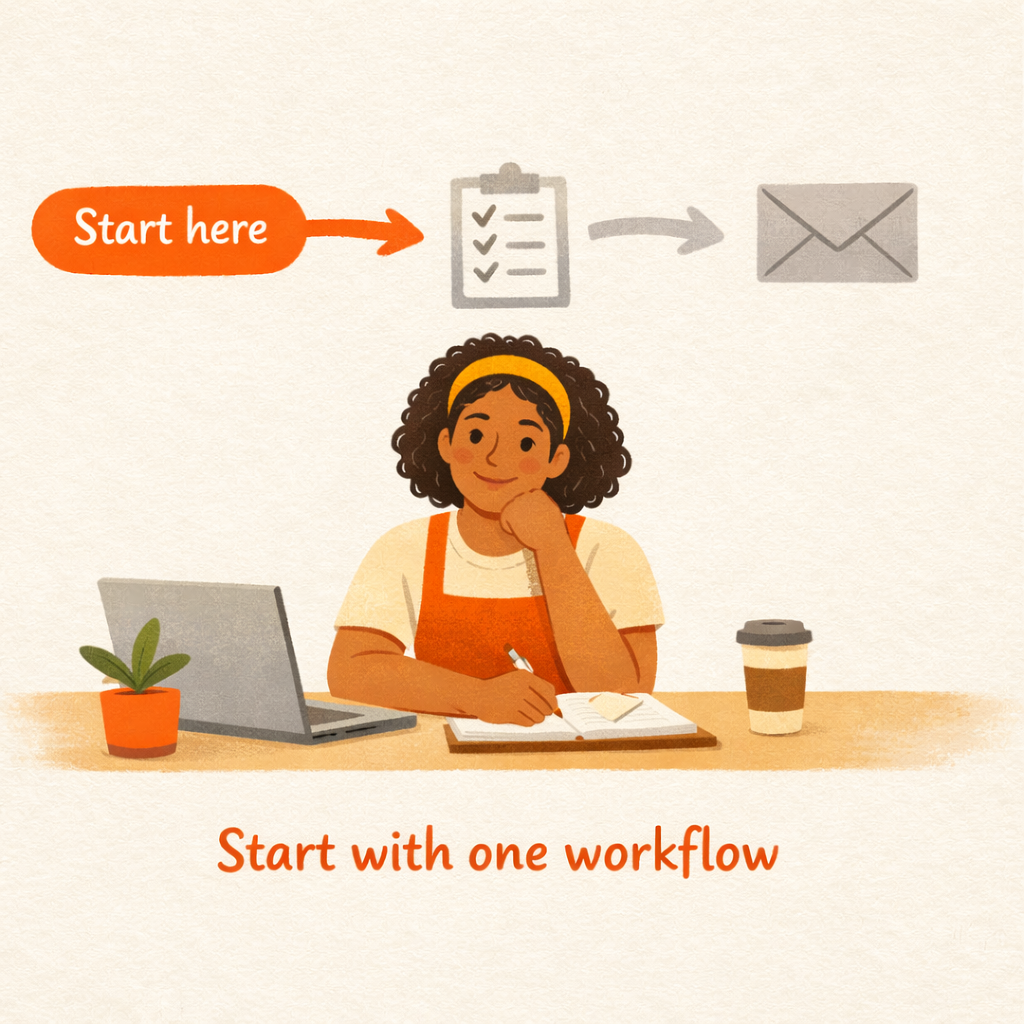
Deploying multiple agents before any of them are stable is the most common failure mode for small business AI adoption. Tool selection and budget are rarely the problem.
Each agent runs on a workflow. If the workflow isn't mapped before you deploy, the agent fills in the gaps by inferring - and those inferences create edge cases the owner has to clean up manually. Three half-configured agents generate more coordination overhead than no agents at all. The U.S. Small Business Administration recommends starting with a single tool and testing whether it adds value before expanding (SBA.gov). That guidance isn't about caution for its own sake - it's about building the configuration and calibration skills before you have multiple agents running simultaneously with no baseline to compare against.
An agent is stable when it runs its workflow for a full week without generating exceptions it shouldn't, without requiring the owner to override outputs more than once or twice, and without creating new tasks that didn't exist before the agent was deployed. That threshold takes roughly two weeks from first deployment, and rushing past it to add a second workflow is what creates fragmentation.
The pattern shows up consistently: a business deploys a customer service agent, a scheduling agent, and a lead follow-up agent in the same week. None are calibrated yet, each generates edge cases, and the owner ends up spending more time reviewing outputs than they did handling the tasks directly. Two weeks later, all three agents get turned off. The owner concludes AI doesn't work for businesses their size, when the real problem was sequencing, not capability.
One agent running well beats five agents running at 60%.
The owners who get stuck automate three things at once before any of them are stable. The ones who scale pick one workflow, run it for a month, then build from there.
How to get started with AI agents in four steps
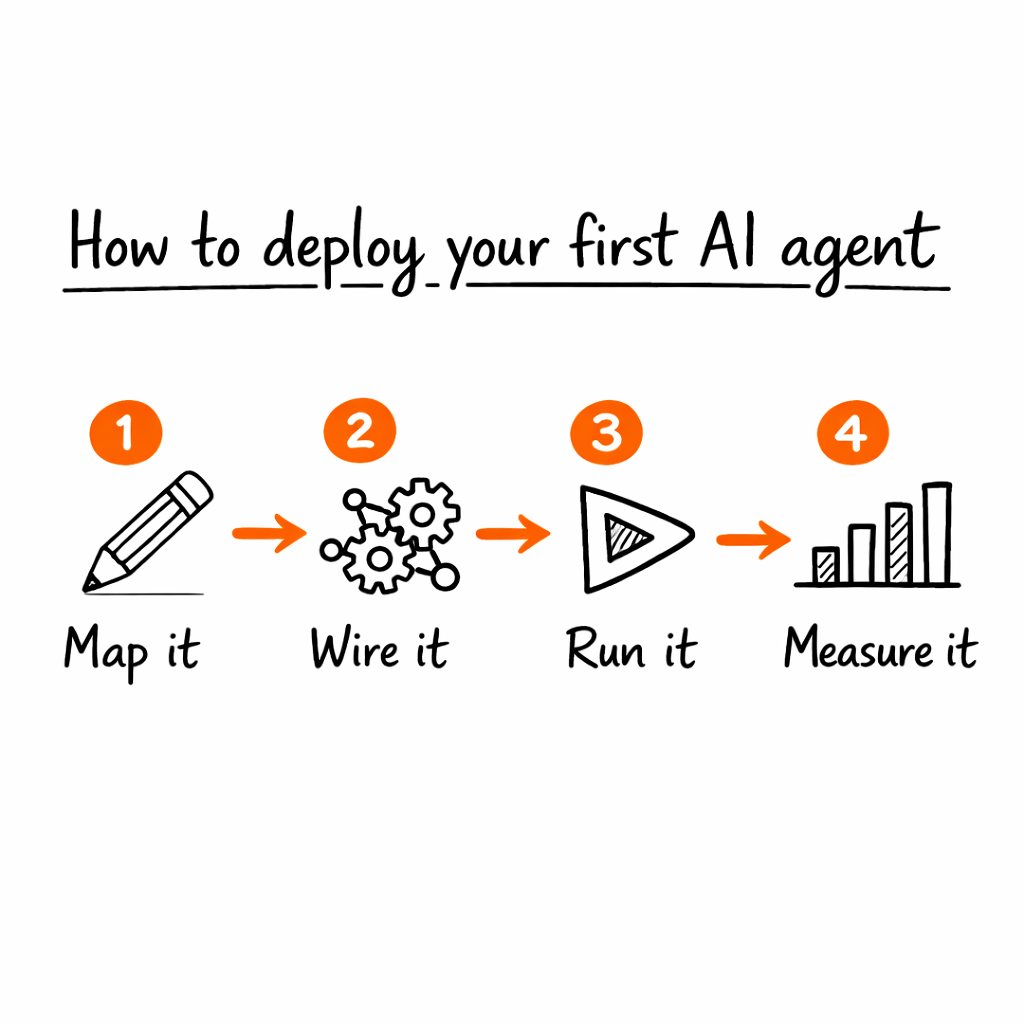
The full guide on how to get started with AI agents without a developer covers the technical setup in detail. These four steps focus on the decision layer before you open any tool - because most failed deployments fail at the decision layer, not the technical one.
Step 1: Identify the workflow that costs the most time
Lead with time cost rather than annoyance; the most time-consuming workflow each week is the right target, regardless of how it feels to deal with. Count the actual hours per week and write the workflow out step by step before touching any platform. Ask yourself whether someone else could execute it exactly the same way if you handed them your written steps. If yes, it's agent territory. If the answer is "they'd need to check with me several times," map those checkpoints as escalation rules before deploying anything.
Step 2: Map the inputs, outputs, and edge cases
Three questions define any automatable workflow: what triggers this task, what does "done" look like, and what would make you pause and review rather than let it complete automatically. This mapping becomes the agent's instructions. Skip it and the agent will infer the missing parts - not because the model is unreliable, but because it has no other option when the constraints aren't defined upfront. A workflow documented in writing before deployment runs better from day one.
Step 3: Deploy one agent and let it run for two weeks without expanding
Resist the urge to optimize on day three or expand to a second workflow on day seven. Let the agent run its full cycle while you observe what breaks, what gets escalated unnecessarily, and what runs cleanly without you; that calibration data is what tells you how to tune the agent before trusting it with full autonomy. Resisting the urge to expand before the first agent is stable is the hardest part of this step, and the most important.
Step 4: Measure time saved, then decide what's next
Track one metric: hours spent on this function last month versus this month; once an agent holds stable for a full month, add the next workflow. The compounding effect is real - each agent that stabilizes returns time you can use to properly map the next one. An owner who deploys one workflow per month has six stable agents running by the end of the year, without ever having had a chaotic multi-agent rollout.
Write the workflow down first, configure it in an afternoon, and the agent handles the rest.
Quick reference: AI agent use cases for small business
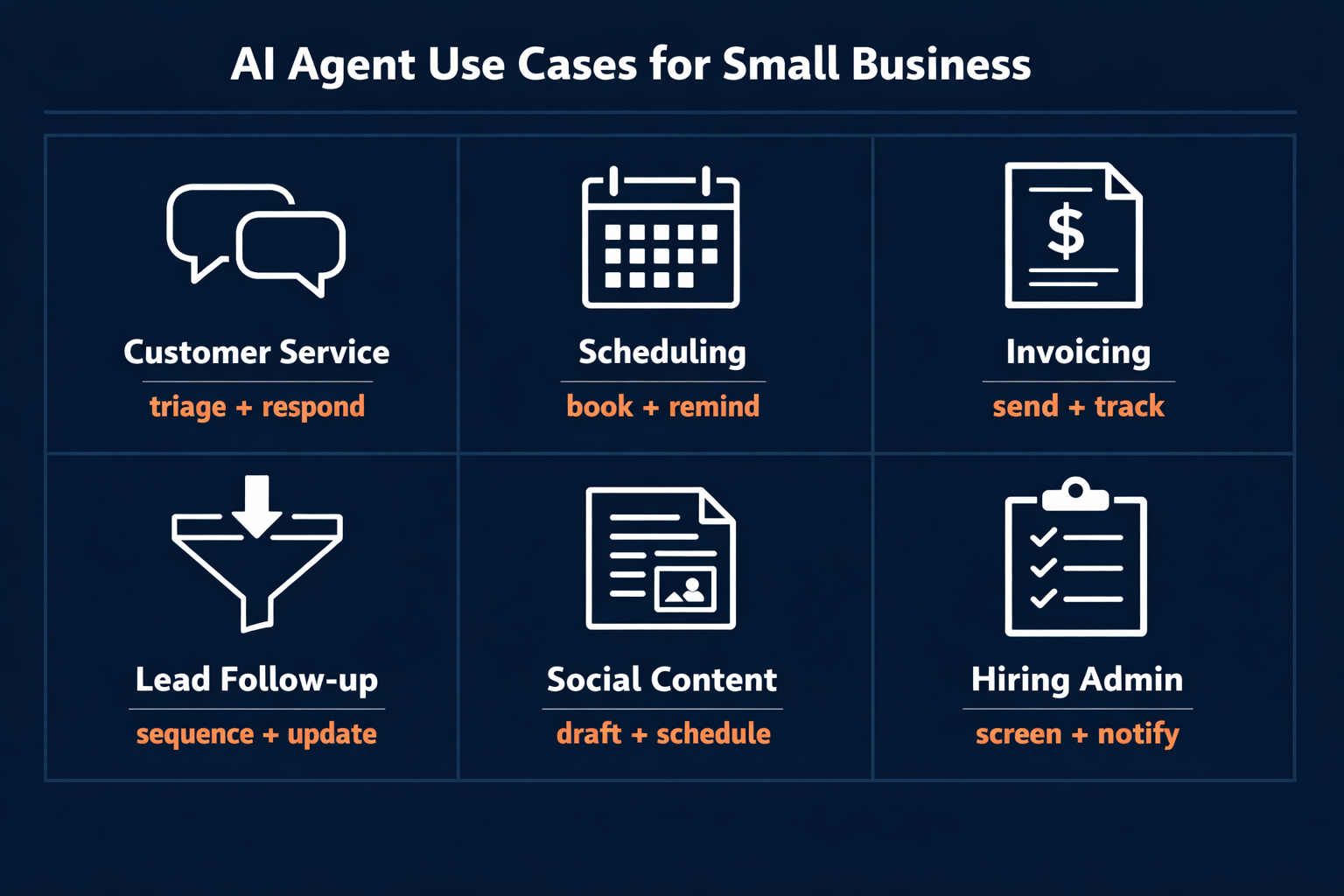
The table below is a starting point, not a comprehensive list. Use it to identify the function where your team spends the most raw execution time - that's where to deploy first. Each row maps a business function to what an agent actually does, estimated hours saved per week, and the tools most commonly used to run it.
| Business Function | What the agent does | Estimated time saved | Where to start |
|---|---|---|---|
| Customer service | Triage + auto-respond to FAQs | 3-5 hrs/week | Intercom, Freshdesk |
| Scheduling | Book, confirm, reschedule | 2-3 hrs/week | Calendly, Cal.com |
| Invoicing | Send reminders, flag overdue | 2-4 hrs/week | QuickBooks, Stripe |
| Lead follow-up | Sequence + CRM status update | 3-5 hrs/week | HubSpot, Apollo |
| Social/content | Draft, schedule, repurpose | 2-4 hrs/week | Buffer, Hootsuite |
| Hiring admin | Screen, schedule, notify | 3-6 hrs/week | Workable, Greenhouse |
Estimated time savings are representative based on owner reports; actual results vary by business size and workflow complexity.
Where Pazi fits in a small business stack
The first agent is usually manageable with any tool; the coordination problem starts when you have two or three running different functions.
When agents are built independently, they pull from overlapping customer data without knowing about each other. A scheduling agent confirms an appointment without knowing the CRM already marked that contact as churned. A lead follow-up agent sends a sequence to someone who messaged customer service an hour ago with a complaint. The owner ends up doing coordination manually - reconciling what each agent did and undoing the conflicts - which defeats the purpose of running agents in the first place.
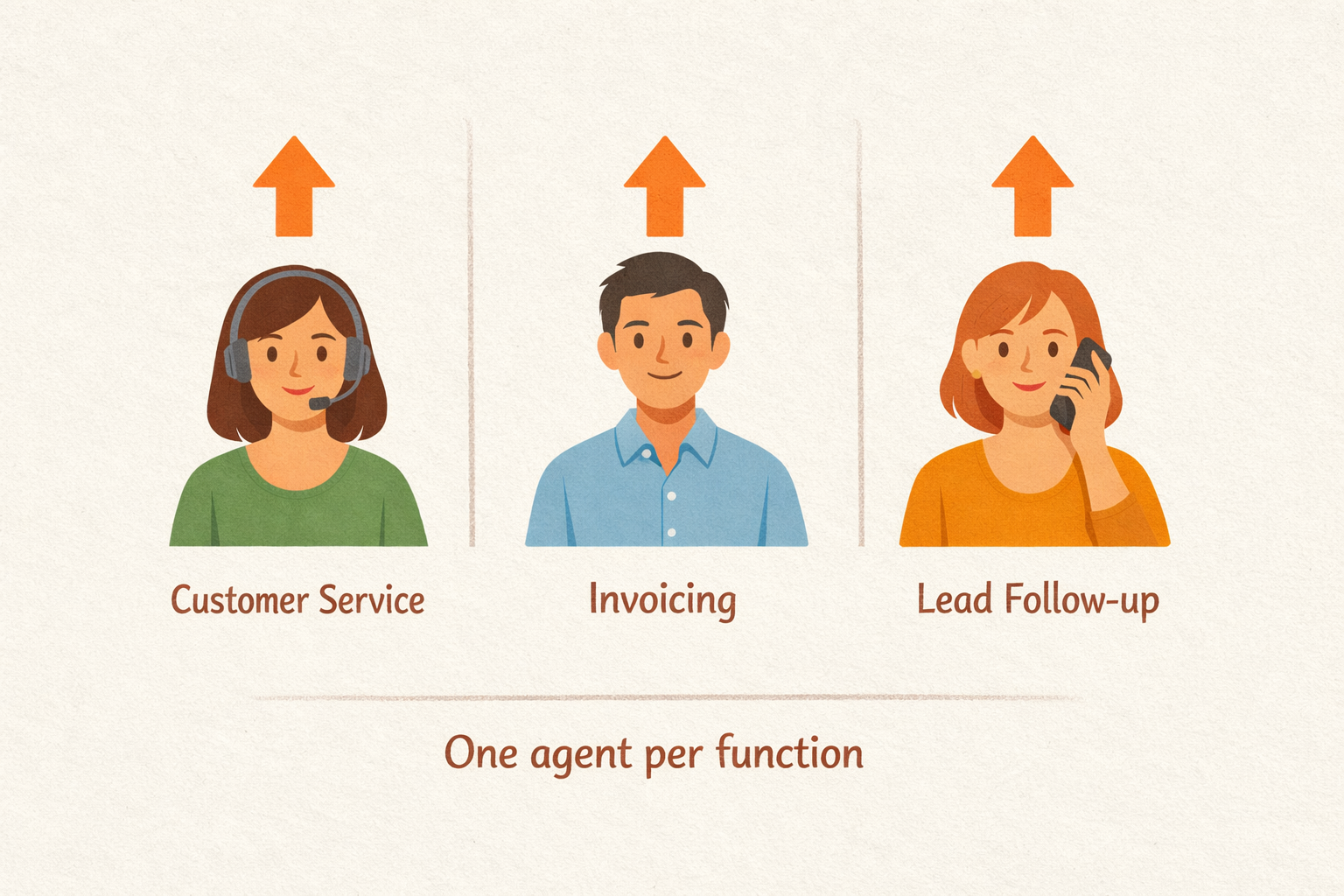
Pazi runs on a different model. Each function gets a dedicated agent with its own role, memory, and escalation path. The agents coordinate with each other rather than requiring the owner to act as the connector between them. When the customer service agent resolves a ticket, the lead follow-up agent knows; when the scheduling agent books a demo, the contact stage updates automatically. That coordination layer is the product.
A 12-person e-commerce business running three Pazi agents illustrates what this looks like in practice. One agent handles customer service - triaging inbound messages and responding to order status questions without human involvement. A second agent handles lead follow-up, pulling new contacts from Shopify and running email sequences through to conversion. A third agent monitors inventory, watching stock levels and flagging reorder thresholds before they become stockouts. Each operates in its lane, and the owner reviews exceptions rather than execution; the agents don't require reconciliation because coordination is built into the platform.
What makes this model work for small businesses specifically is the deployment speed. Each agent is configured through plain-language descriptions of the workflow - no developer, no custom integration. A business can move from one agent to three in a week once the first is stable, because the configuration approach scales without adding complexity.
The model that works is one dedicated agent per function, each running its own workflow without the owner acting as coordinator.
Get started
If you have a workflow that's eating time every week, that's the starting point. The businesses that get the most out of AI agents aren't the ones with the biggest budget or the most technical staff - they're the ones who mapped one workflow clearly and let an agent run it without interruption.
Pazi is built for exactly that - one agent, one function, deployed in an afternoon. You connect the tool that already holds your data, describe the workflow in plain language, and the agent runs it. No developer, no custom integration, no three-month implementation timeline.
If you're running a 5-50-person business and spending hours a week on work that doesn't require your judgment, that's where to start. Pick one function from the table above, map it in writing, and deploy. Two weeks from now you'll have calibration data; two months from now you'll have a second agent running; six months from now, the execution work that used to fill your week runs without you.



