

Agent goals are now available in your Pazi workspace. Goals let you give any agent a measurable target and a deadline, turning it from a reactive assistant into something that tracks progress on its own. The agent generates an implementation plan, schedules recurring check-ins via cron, and reports back whether you are on pace to hit the target. You approve the plan before anything runs.
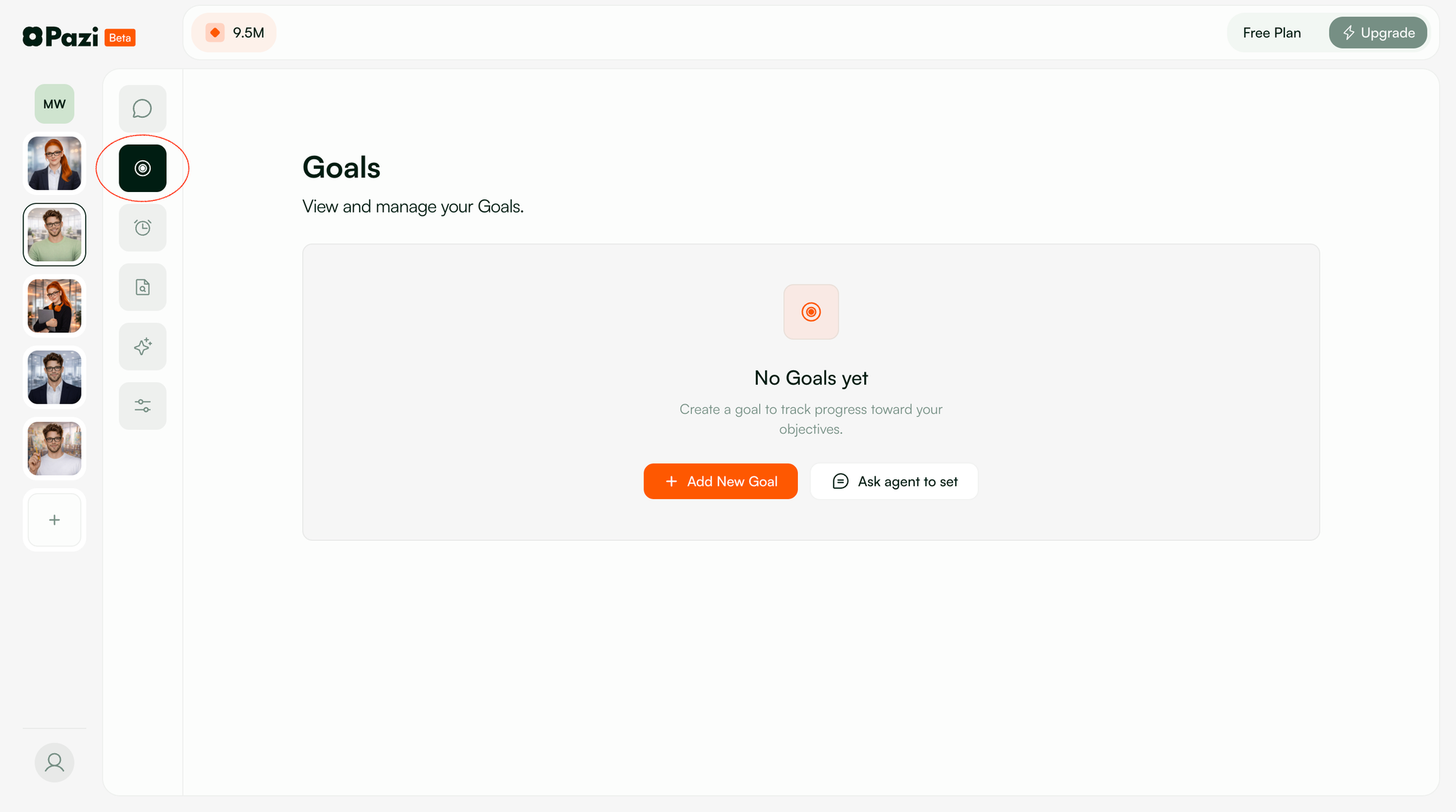
Every agent in your workspace now has a Goals page in the sidebar. You can create a goal by filling out a form with a title, target value, and deadline, or by asking the agent in chat and letting it propose the plan for you. The metric label is freeform text, so you can track whatever matters to your team: Twitter followers, open Sentry issues, newsletter signups, documentation coverage, mean time to resolution.
Check-ins that do real work
Each goal comes with a schedule of recurring check-ins. The agent picks the cadence based on how fast the metric moves and when the deadline lands. A daily-active-users goal might fire every morning, while a quarterly revenue target checks in once a week.
When a check-in fires, the agent pulls fresh data, compares where you are against where you need to be, and flags the gap if you are falling behind. It does not just confirm the process is running. Each check-in is designed to measure progress against the trajectory, surface what changed since the last one, and recommend what to do next.
Say you want to reduce open Sentry issues from 47 to under 10 by end of quarter. The agent schedules twice-weekly check-ins that pull your current issue count and compare it against the burn-down rate required to hit the target. When you fall behind pace, the report tells you by how much and where to focus.
Persistent across sessions
Goals persist in the database and survive session restarts, workspace changes, and agent updates. The check-in schedule belongs to the agent, not to your browser tab. Close the tab, come back in a week, and the agent has been tracking the whole time.
Multiple goals run in parallel with separate metrics and cadences. Your marketing agent can track follower growth on one goal and newsletter engagement on another, each running on its own schedule and pulling its own data.
Get started
Open any agent in your Pazi workspace, click the Goals icon in the sidebar, and set your first target.



