

Founders and operators at small SaaS, agency, and creator companies spend most of their morning on inbox tasks that don't need their judgment but won't run themselves. Triaging sales replies. Drafting answers to routine support tickets. Confirming meeting times. Acknowledging partner threads. Extracting invoice line items.
None of those tasks need judgment. All of them need consistency. That's the gap an inbox agent fills.
Why founders and operators are the least automated mailroom
The tools that exist for inbox work haven't closed the gap. Superhuman, Shortwave, and SaneBox are good at what they ship. Faster keyboards, better labels, voice-matched drafts that wait for a click. Gmail's Help me write and Outlook's Copilot Chat sit in the corner of the inbox UI and suggest. Front's Copilot and Autopilot run inside Front-managed inboxes. Each of them improves the moments you spend inside the email app.
That's also where each of them stops. Posting summaries to the Slack channel the team reads. Running a triage pass at 3am whether the laptop is open or not. Drafting follow-up nudges on a configurable cron. Routing the one cold pitch in fifty that actually fits the team's ICP to the sales channel, and the contract redline to the founder's DM. That work sits outside the inbox app, and that's what an AI agent handles.
Pazi sits in your Slack or Telegram. You describe what you need it to do with your inbox, set the schedule, and the agent runs it as a scheduled task in Pazi. The agent reads from the Gmail or Outlook account you connect, runs against the rules you give it in plain language, and posts back into the channel where the team already reads.
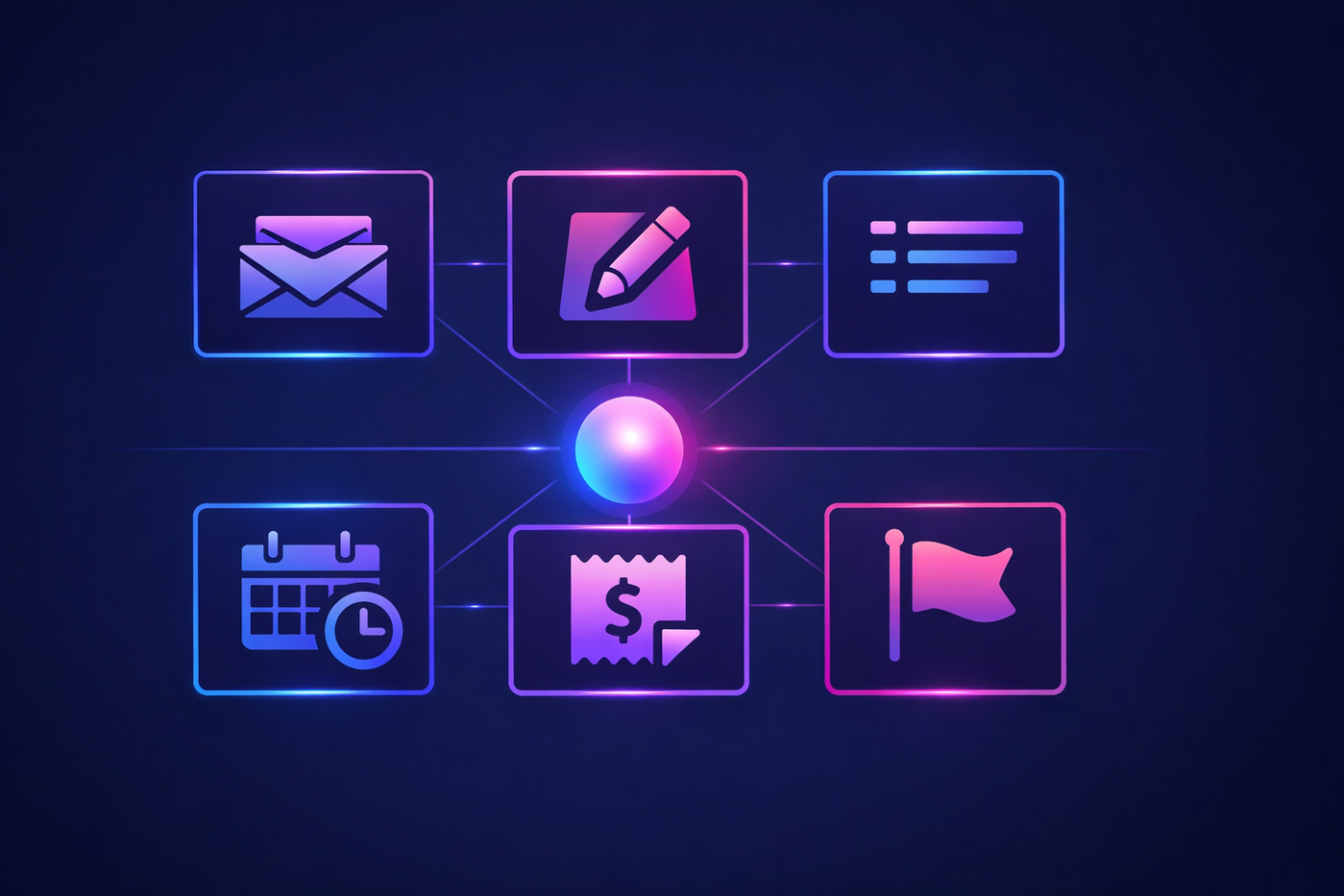
Six inbox automations to build with Pazi
Each of the six below runs as a Pazi scheduled task. The operator describes the recurring work to the agent once, in plain language, in Slack or Telegram. The agent confirms the schedule and runs it on its own from then on. No cron syntax, no rule files, no separate dashboard to maintain. Every example below is a real scheduled-task setup.
1. Overnight inbox triage and labeling
The problem: every weekday morning a working inbox holds a mix of unread messages across priorities. Manually scanning them eats the first chunk of the day before any real work starts. The cost compounds because the operator has already shifted into reactive mode by the time the first meeting begins.
What the agent does: reads overnight email, sorts it into a small set of labels the operator cares about, and posts a morning digest with the items that need a human eye.
How the operator sets it up: in Slack, the operator types the request to the agent the same way they'd ask a teammate.
operator: schedule a recurring inbox triage. every weekday morning, read overnight email, sort into URGENT / needs reply / FYI / newsletter / invoice, and post the digest here in
#inbox-digest. flag anything from a new domain or with contract language for me.Pazi · Inbox agent :robot_face: got it. scheduled for weekdays at 6am. first run tomorrow morning.
No cron syntax, no rule files. The operator describes the work; the agent owns the schedule.
Sample morning digest in Slack:
Pazi · Inbox agent :robot_face: 6:02 AM
Morning digest · Thu May 7
47 emails read overnight.
3 URGENT · 14 needs reply · 12 FYI · 16 newsletter · 2 invoiceFlagged for you:
• Contract renewal from Acme Corp (due Fri)
• New customer inquiry from sarah@startup-x.com
• AWS invoice, $1,247, due May 159 drafts ready in Gmail. 11 auto-archived.
2. Voice-matched reply drafts for routine threads
The problem: the same handful of categories show up every week. Meeting requests, intro emails, project status acknowledgments, thank-you replies, polite vendor declines, "noted, will follow up Friday." Each one is a small task. Across a busy day they add up to a real chunk of working hours.
What the agent does: for the categories the operator has approved, the agent reads the thread context and drafts a reply that matches how the operator usually writes. Drafts stay as drafts. The operator reviews them in a single sitting and sends, edits, or deletes.
How the operator sets it up:
operator: twice a day, draft replies for the threads tagged needs-reply. match how i normally write, using my recent sent mail. for meeting requests, propose three times. intro emails get a warm acknowledgment and the offer of a 20-min call. status updates just get "noted, will follow up Friday." don't send anything yet, just leave them as drafts. ping me when they're ready.
Pazi · Inbox agent :robot_face: scheduled for 9am and 1pm. i'll keep everything in draft and post the count to
#inbox-digestwhen each batch is ready.
Outcome: the operator opens Gmail or Outlook to a folder of pre-written drafts. Reviewing them in a single sitting is much faster than writing each one cold.
3. Long-thread and newsletter summarization
The problem: a thread with 12 replies on a partner deal and a newsletter that's somewhere between useful and noise both eat the same five minutes of attention. Most of the content is throat-clearing or context the operator already has.
What the agent does: condenses long threads to three bullets covering the ask, the current state, and the next move. Pulls the two or three relevant items out of every newsletter the operator cares about.
How the operator sets it up:
operator: twice a day, summarize any thread with 5+ replies in three bullets: the ask, the current state, the next move. for newsletters, pull the top 2 items relevant to AI agents, infra, and content marketing. attach the summary to the thread. post the count to
#inbox-digest.Pazi · Inbox agent :robot_face: done. running at 9am and 2pm.
Outcome: a long thread becomes a short read. A long newsletter becomes two bullets the operator either acts on or skips.
4. Meeting-request scheduling
The problem: scheduling looks small until you do it. The operator has to open the calendar, find three open slots that match the other person's likely timezone, write the proposal, and send. Every meeting request follows the same shape, and yet none of it is automated.
What the agent does: reads the meeting request, checks the operator's calendar, drafts a reply with three free slots, and sends the calendar invite once the recipient picks one.
How the operator sets it up:
operator: watch incoming email for anything that asks to schedule a call or find time. read my calendar for the next 5 weekdays, pick 3 free 30-min slots between 10am and 4pm in my timezone, and draft a reply with those options. when they pick one, send the calendar invite. post every booked or declined meeting to
#scheduling.Pazi · Inbox agent :robot_face: watching. i'll draft each reply and let you review before sending.
Outcome: the operator stops being the human router between two calendars.
5. Invoice and receipt extraction
The problem: vendor invoices and receipts hide structured data inside unstructured email. Amount, due date, vendor name, line items. Pulling them into a spreadsheet by hand is the kind of work nobody has time for, and the kind of work that has to happen anyway.
What the agent does: for any email labeled INVOICE, pulls vendor, amount, currency, due date, and invoice number into the team's AP tracker. Posts a daily summary so nothing slips.
How the operator sets it up:
operator: every weekday at 5pm, for every email tagged invoice from the last 24 hours, extract vendor, amount, currency, due date, invoice number, and a one-line summary. append to the AP tracker. post a daily summary to
#ap-review.Pazi · Inbox agent :robot_face: scheduled. first run today at 5pm.
Outcome: the AP tracker stays current without anyone touching it. The end-of-day digest gives the operator a single place to scan everything that came through.
6. Flag and route for human review
The problem: every inbox holds a handful of messages a week that absolutely need human judgment. New customer inquiries from unknown domains. Legal language. Contract renewals. Investor follow-ups. Mixed in with 200 others, they get missed.
What the agent does: for the categories the operator has marked never-auto-act, the agent surfaces the original message plus a one-line summary into a dedicated channel. It never replies on the operator's behalf here.
How the operator sets it up:
operator: never auto-draft for these: senders outside our known-contacts list, anything mentioning contract / lawsuit / renewal / term sheet / due diligence, anything with investor or partnership in the subject. surface the full message plus a one-line summary to
#inbox-flagand wait for me to call the next move.Pazi · Inbox agent :robot_face: noted. i won't draft anything in those categories. they'll land in
#inbox-flagfor you to handle.
Sample flag in Slack:
Pazi · Inbox agent :rotating_light: just now
Flagged for review (sender outside known-contacts list)
From: sarah@strategic-investor.vc
Subject: Following up on our intro from TuesdayInvestor follow-up referencing the prior intro. Three asks: a deck refresh, a customer reference list, and a 30-minute call this week.
Reply with
:white_check_mark:to take it from here, or tell me how you want me to respond. I won't act on this thread without your direction.
Outcome: category-crossing messages stop hiding in volume. Every one of them lands on a Slack channel the operator actually reads.
Run your AI agent in the channel your team already uses.
Always on across every plan, in Slack or Telegram, no Docker or VPS to run yourself.
How to run these automations
The primitive that powers every example above is scheduled tasks. The operator types a recurring task to the agent in plain language, sets the cadence, and the agent runs it from then on. Schedules can be daily, weekly, or trigger-based on inbound email. The same scheduled-tasks feature drives the morning digest, the AP summary, the meeting-request watcher, and the flag-and-route alerts. The operator changes any of them by talking to the agent again, in the same channel.
The agent works inside the channels the team already uses: Slack or Telegram. Approvals, alerts, and digest posts land in the channel the user picks per automation. The morning digest goes to one channel, the AP review to another, the inbox-flag escalations to a third.
The honest constraint: the agent acts on the data the user explicitly connects. Gmail and Outlook integrations work the way every email integration works: the user authorizes the agent against their account, and the agent operates inside what they grant. External sends are held by default and only allowed once the user opts a category in. The agent doesn't run on data the user hasn't connected.
The categories an automation can act on, the threshold for human review, the channels each alert goes to, and the senders the agent never auto-acts on are all set in the prompt. The user reads the morning digest and corrects the rules in the channel where the digest landed.
For the outreach half of the day, the same Pazi setup runs the outbound-sales agent. For the team's competitive surface, it runs the competitor-research agent. The inbox-management agent is the operations half of the operator day.

Build the agent
You can build your inbox-management agent on Pazi today. Configure it against your Gmail or Outlook account, your Slack or Telegram channel, the categories the agent is allowed to draft for, and the categories it always escalates instead. The setup is one prompt at a time, in plain language, in the channel where the team already works.
Every action shows up in Slack as the first guardrail. Humans approve external sends by default. The agent works alongside the team's other AI teammates in the same channel, on the same surface, against the rules the operator wrote.
Your inbox agent, running 24/7
- Always on, no laptop required
- Wherever your team works: Slack and Telegram
- Free plan to start: $0, 5,000 credits, one agent



